


Highway Driving Assist (HDA)
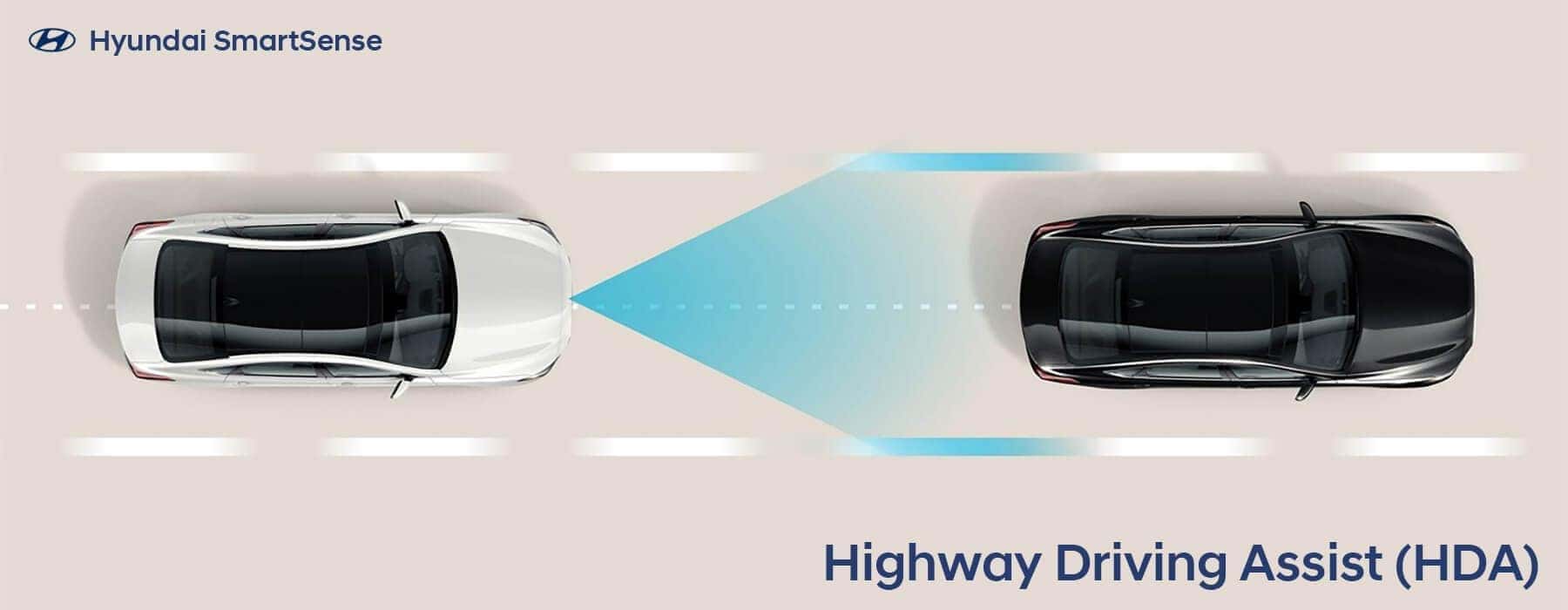
The staff at Serra Hyundai is proud to represent the Hyundai brand and to help customers from Birmingham, Irondale, and across Alabama get the most value from their vehicles. One of the features that our new and pre-owned vehicle sales team feels is very beneficial for buyers is the Highway Driving Assist feature, or HDA. This feature enhances your safety and the safety of others in your vehicle when traveling at a higher speed and in more congested traffic than is typically present in city driving. You might not always think about the increased potential for incidents when on the highway because everyone is moving in the same direction and often at a similar speed. However, places like highway entrance and exit ramps can pose a considerable risk of collision, as can an act as simple as changing lanes. Fortunately, the Hyundai HDA system will help mitigate a great deal of the hazards associated with driving on the highway.
Why Use Highway Driving Assist In Your Hyundai
The Hyundai HDA system is part of the technology suite that uses cutting-edge features to increase your safety. Using things like camera systems and radar, the HDA system will sense potential issues before they actually occur and alert you to the hazard. In addition, some of these elite technologies can be given authorization to help you avoid dangerous situations with evasive action, such as automatically braking or altering the steering of the vehicle to avoid the hazard.
Activating Your Highway Driving Assist Feature
It is vital for Hyundai owners to understand that the Highway Driving Assist feature must be activated to provide them with this added safety. You can enable the feature in just a few simple steps. Start by pushing the SETUP button on the dash. Next, select the vehicle icon on the touchscreen. Then, touch to highlight the Driver Assistance from the menu. Now you can activate the Highway Driving Assist by checking the box next to the title. Conversely, you can turn the feature off by following the same steps to access the menu and then pressing the check mark to remove it and deactivate Highway Driving Assist.
Putting Highway Driving Assist To Work
To take advantage of the HDA system, you need to turn on your Hyundai’s Smart Cruise Control. You can activate this feature by pressing the CRUISE button on the steering wheel. You will see that the SCC icon has changed to HDA in the instrument cluster when the Highway Driving Assist is active. For this feature to function and increase your safety, you must meet the following three criteria:
- The vehicle must be operating on a road that is part of the interstate highway system
- The Smart Cusie Control must be operating
- The speed of your Hyundai must be below 95 miles per hour
It is also critical to understand that your hands must remain engaged on the steering wheel at all times. If you remove your hands from the steering wheel at any time, the Highway Driving Assist feature will be disengaged.
The Hyundai Vehicles That Include Highway Driving Assist
If you are shopping for a new Hyundai and want to confirm your new vehicle will include Highway Driving Assist, please know that the following models could include the feature:
In some cases, the HDA is only offered on select trim levels. This safety feature can be found on various trim levels beginning with the 2025 model year. You can easily ask your Serra new and used vehicle sales expert to confirm that the Hyundai you are considering has the Highway Driving Assist feature that you want on your new vehicle. Please visit our full-service dealership to test drive a new Hyundai and experience the use of the Highway Driving Assist feature to fully understand the exceptional value of this and all the Hyundai safety technology and safety features included in this outstanding line of vehicles.

0 comment(s) so far on Highway Driving Assist (HDA)